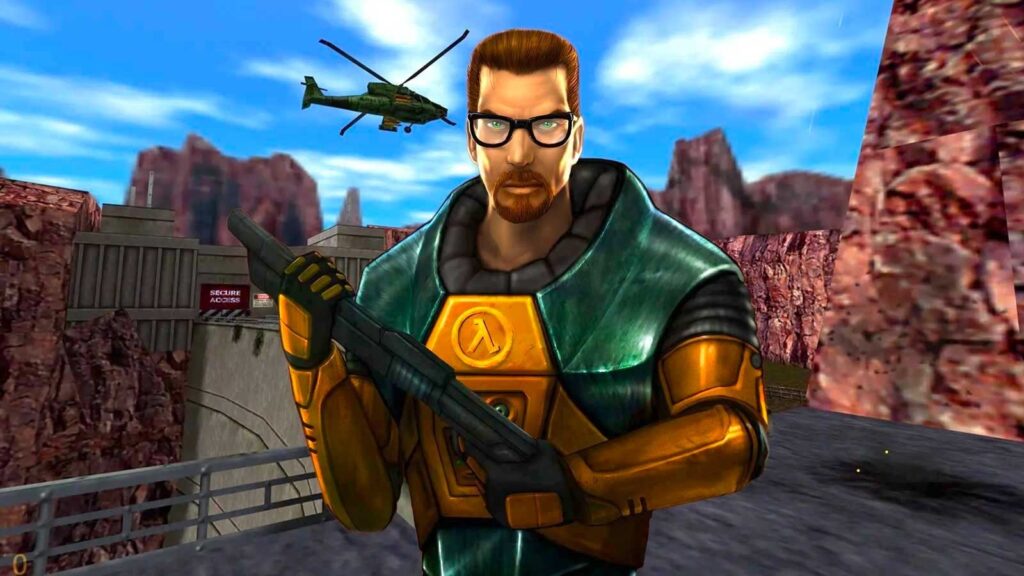
Did you know that video games lie to you about your movement speed all the time?
If a developer simply turned up your character’s raw velocity numbers, two things would happen:
- the game camera would feel twitchy and unplayable
- you would likely run straight into a wall
Because of hardware limits and gameplay balance, your character usually moves much slower than you think.
Instead of cranking up the speed stat, developers use sensory tricks to convince your brain that you are flying across the map.
FOV and Fisheye Distortions
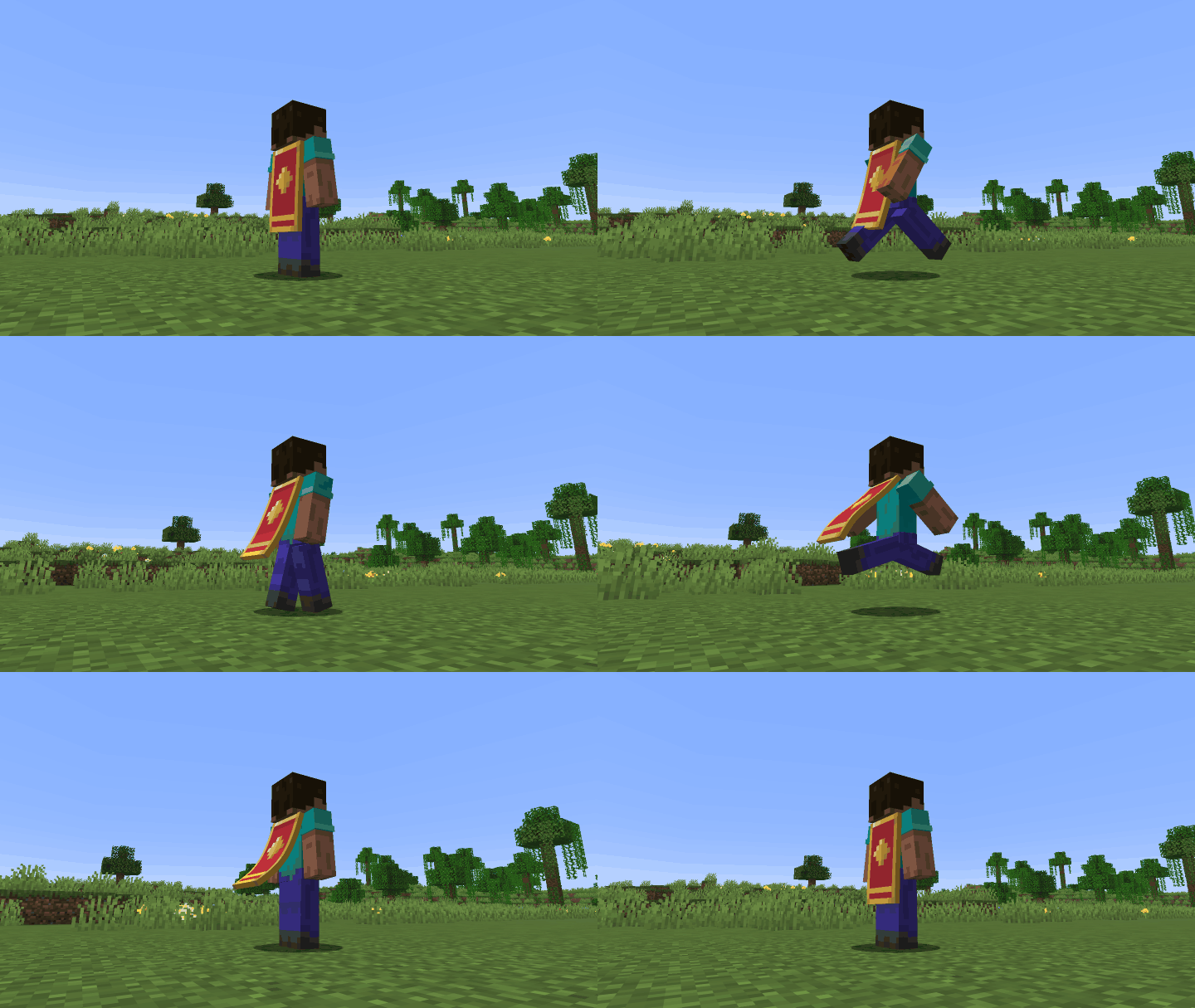
The fastest way to fake velocity is through the camera lens, specifically your Field of View (FOV).
Minecraft is one of the clearest examples of this trick. When you double-tap the forward key to sprint, your character’s actual walking speed only increases by about 30 percent. What really sells the rush is the camera: the FOV instantly widens, stretching the edges of your screen and creating a subtle fisheye effect. Because objects on the periphery now whip past your view much faster, your brain registers the shift as a massive burst of acceleration.
Racing games like Need for Speed take this a step further by layering heavy motion blur and camera shake onto wide FOVs, turning a modest 80 mph in-game speed into pure sensory overload.
Character Physicality and Camera Bob
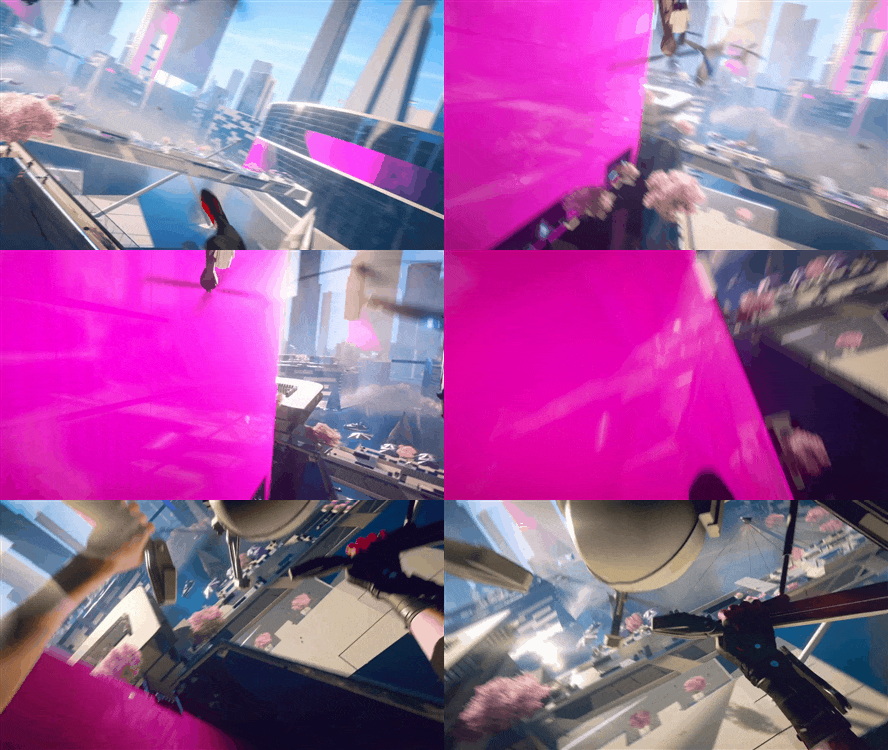
True speed needs weight or your character ends up feeling like a floating camera sliding across ice.
In Mirror’s Edge Catalyst, DICE built its first-person movement around momentum and forward motion. Design director Erik Odeldahl described the game as “built a lot on momentum and forward movement and not stopping,” with Faith constantly sprinting, sliding, leaping, and rolling through the city.
The studio used motion capture for Faith’s movement, including first-person animations, and tied the camera closely to her body. Animation director Erik Söderholm said the team wanted players to “understand, and almost feel, what your character is doing,” rather than feel that Faith was “simply a box that glides around the game-world.”
That physical feedback matters. Seeing arms pump, hands catch ledges, and legs kick forward tells the player that the body is working. Camera dips, tilts, and rolls during wall-runs, vaults, and combat reinforce the sense that momentum has consequences.
But DICE also had to restrain the effect. Söderholm explained that excessive camera animation can cause simulation sickness, so the team kept the camera relatively stable during basic running, crouching, and sliding, while using more dramatic motion during climbing, vaulting, and combat.
Environmental Particles and Speed Lines
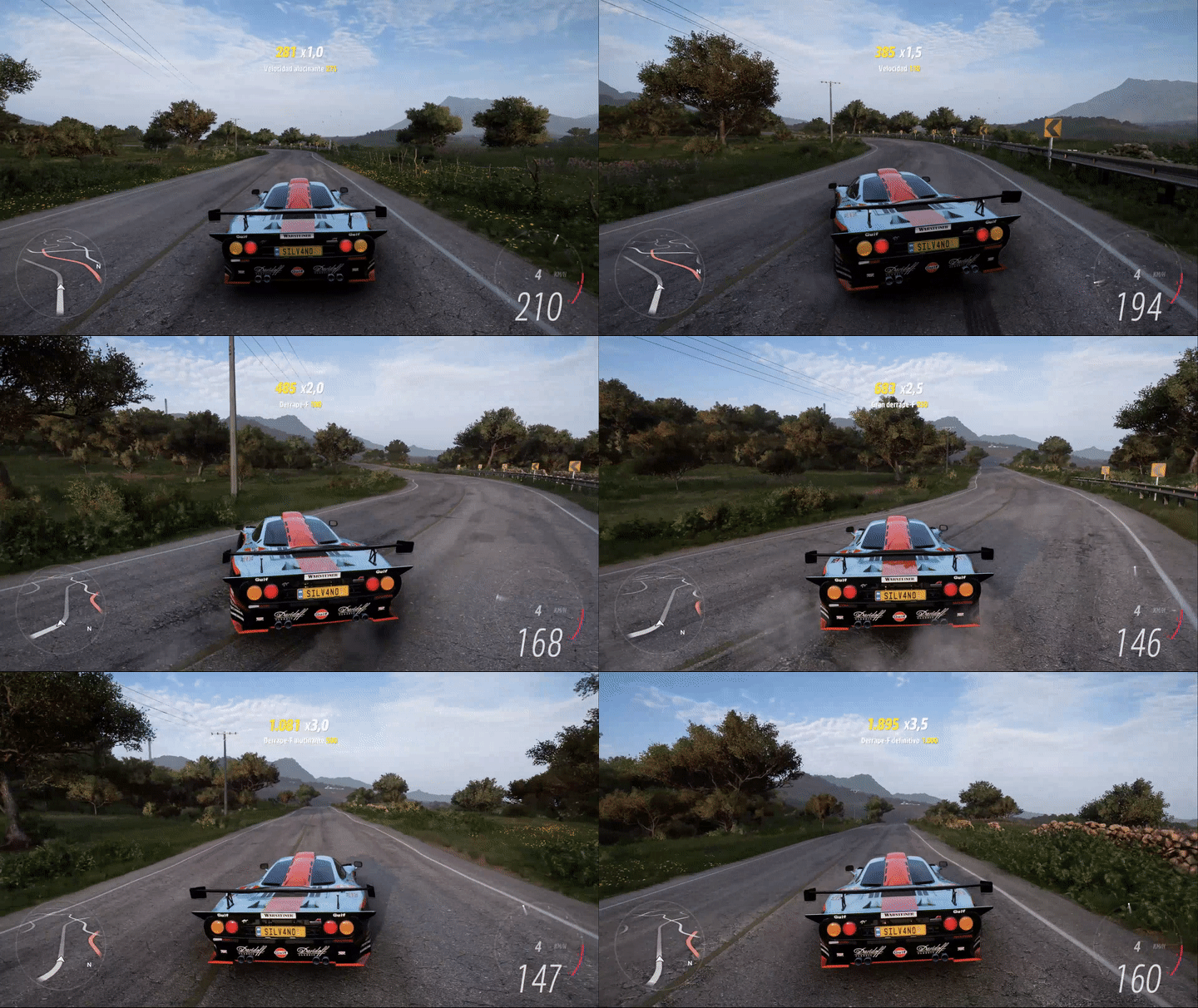
Speed is also perceived by how the environment reacts to you.
When you run, roll or slide across the ground, games throw visual feedback directly in your face like:
- Dust and debris: Sprinting in games like Apex Legends or Super Mario Odyssey kicks up clouds of dirt, sparks, or snow behind your boots.
- Wind streaks and screen-space particles: In high-speed titles like Sonic Frontiers, white streaks of air rush past the screen edges to mimic wind resistance, borrowing a classic visual cue straight out of anime and comic books.
These tiny visual cues give your eyes reference points, making the space around you look like it’s whipping past at dangerous speeds.
The Wind Tunnel Effect
Visuals set up the illusion, but sound locks it in.
If you drive a car at 120 mph with silent audio, it feels dull and sluggish. Forza Horizon 5’s audio team recorded hundreds of cars and built systems for implementing engine, wind and environmental sound across the game.
Pair that with the sound of tires screeching for grip and gravel violently pinging off the undercarriage and your brain instantly switches into survival mode.
Cranking up a character’s raw speed usually breaks the game, so developers fake it instead. By combining wider camera angles, shaking frames, kicking up dust, and blasting wind audio, they give you the feeling of reckless speed without you ever losing control.